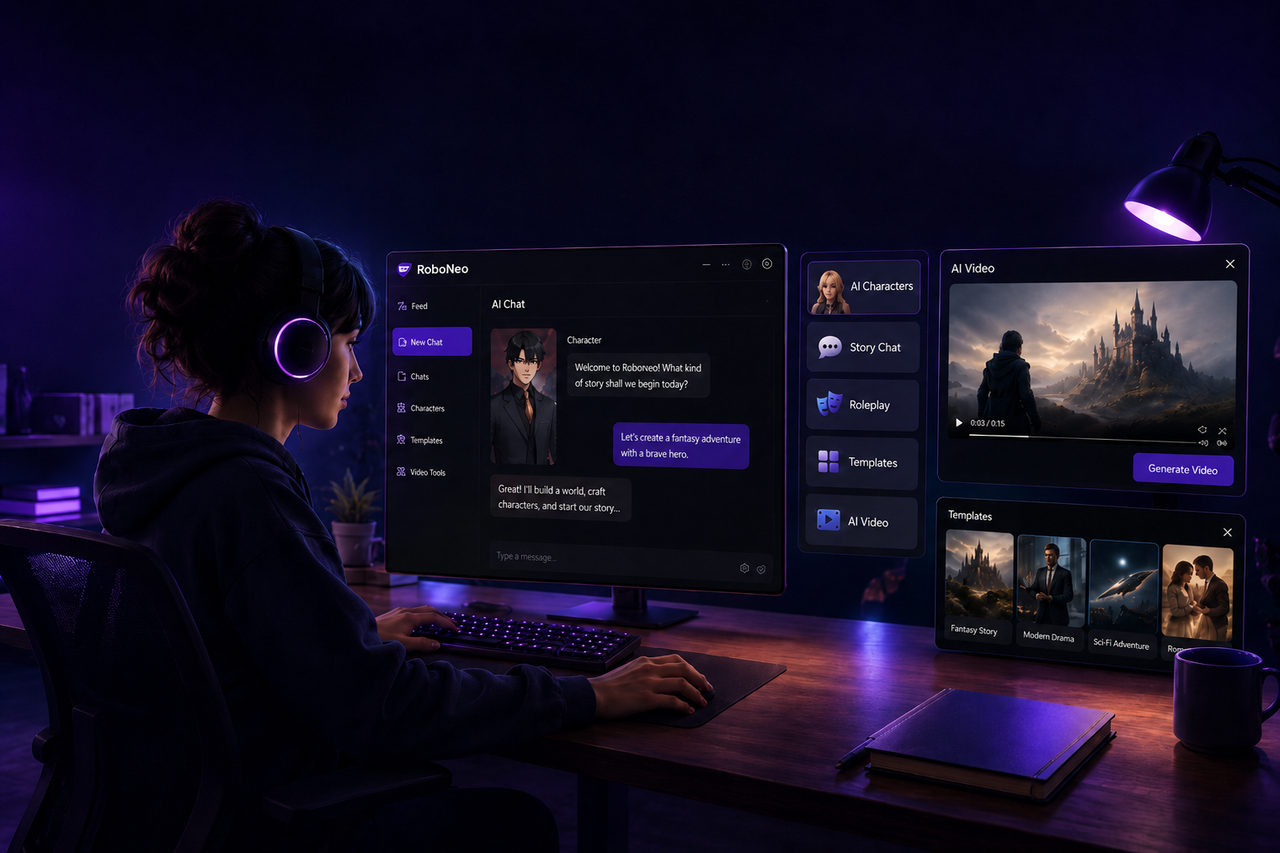
What Is AI Video: How AI Video Generators Work
 RoboNeo TeamSeptember 10, 2026
AI video is video content created, transformed, or edited partly or entirely with artificial intelligence. An AI video generator can turn text, images, or existing footage into new video based on a user's prompt or reference material. Instead of filming a real scene, the model creates frames based on visual and motion patterns learned during training.
This guide explains what AI video is, how AI video generators work, where they are most useful, their current limitations, and how to create a first clip with better results.
What Is an AI Video Generator?

An AI video generator is a tool that uses generative AI to create moving visual content from text, images, video, or a combination of these inputs. An AI video maker can support different generation modes depending on the source material and the type of video being created.
Text-to-video begins with a written prompt describing the scene. Image-to-video starts with an existing image and adds movement while trying to preserve the original subject and composition. Some generators can also use existing footage as a reference when the goal is to change the style, setting, or appearance of a video.
Most AI video generators produce short clips that can later be combined with captions, music, voice-over, graphics, or other footage.
How AI Video Generators Work
The process begins with the model interpreting the information provided by the user. A text prompt may describe the subject, action, environment, visual style, and camera movement. An uploaded image gives the model additional information about appearance, color, shape, and composition.
The generator then creates a sequence of related frames that represent the requested movement.
A product photo of a sneaker, for instance, could be turned into a short clip where the shoe remains in place while the camera slowly moves around it. The model uses the original image as a visual reference while generating the changing angle and motion between frames.
More complicated scenes are harder to maintain because the model has to keep people, objects, backgrounds, and movement visually consistent at the same time.
Advantages of AI Video Generators
AI video can make early creative work faster. Instead of arranging a full shoot just to test an idea, creators can produce several visual directions first and decide which one is worth developing further.
It can also make video creation more accessible when only limited source material is available. A small online store may already have professional product photos but no new video footage. Those images can be animated into short clips for ads, product pages, or social media.
Other advantages include:
Faster testing of visual concepts.
Less reliance on physical locations, props, and filming equipment.
More ways to reuse existing photos and illustrations.
Easier creation of short versions for different platforms.
Lower production barriers for individual creators and small teams.
Limitations of AI Video Generators
The current limitations of AI video generation are particularly noticeable in scenes that require strong visual consistency. Faces, hands, clothing, products, or background objects may change during a shot, especially when several movements happen at once.
Text inside the generated scene can also be unreliable. Packaging labels, signs, subtitles, and logos may appear distorted or change between frames. Long continuous clips remain more difficult because the model has to preserve visual details for a longer period.
Usage rights need attention as well. A platform may allow commercial use of its generated videos, but creators still need to consider the rights attached to reference images, music, recognizable people, characters, logos, and other materials used in the project.
Best Use Cases for AI Video Generators
AI video is particularly useful for short scenes with a clear visual purpose.
A social media creator can turn photos into videos by adding motion to a still product image for Instagram or TikTok. An advertising team can create moving concepts before producing a full campaign. Storyboard images can also be animated to give clients a clearer sense of how a scene may look in motion.
Other common uses include short ads, explainer visuals, animated illustrations, concept videos, product showcases, background footage, and social media content.
Projects that depend on highly precise physical movement or perfect character continuity across long scenes may still require traditional filming, animation, or substantial post-production work.
How to Try an AI Video Generator

The easiest way to understand AI video generation is to begin with one simple shot rather than attempting a complete video immediately.
Step 1: Choose the Input
The right starting point depends on what material is already available.
A text prompt works well when the visual concept has not yet been created. When a particular product, person, character, or setting needs to remain recognizable, a reference image gives the model a clearer visual starting point. Existing footage can be useful when the original movement should remain but the look of the scene needs to change.
Source quality matters too. A clear product image with good lighting and visible details will generally give the model more useful information than a blurry or heavily compressed screenshot.
Step 2: Describe the Scene
A useful video prompt should explain not only what appears in the frame, but also what happens during the shot.
"The woman turns toward the window while the camera slowly moves closer" gives the generator a clear action and camera movement. A vague request such as "make the scene cinematic and dynamic" leaves much more open to interpretation.
When a reference image already defines the character or product, there is no need to repeatedly describe every visual detail. The prompt can focus more on the movement you want to introduce.
Simple shots are usually easier to control. Asking a character to walk toward a table is more manageable than asking the same character to walk over, pick up several objects, turn around, speak, and leave the room in one generation.
Step 3: Generate a Short Clip
A short first generation makes it easier to see how the model understands the scene. Check whether the subject looks right, the intended movement is clear, and the framing stays close to what you had in mind.
Creators who want to test text, image, or video input with different models can do so in RoboNeo.
The first version does not have to be the final one. A revised prompt, a simpler action, or a clearer description of the camera movement may improve the next generation. If the reference image itself is unclear, replacing it with a stronger source image can also make a noticeable difference.
Keeping two or three versions is often useful because the best result may have stronger movement in one generation and better subject consistency in another.
Step 4: Review and Edit
Before using a generated clip, watch it carefully for changes in faces, hands, products, objects, or backgrounds. The main action should also follow the prompt without obvious flickering, sudden shape changes, or unnatural jumps.
Elements that need to be exact are usually better added during editing. Captions, product names, prices, logos, voice-over, music, and legal text can all be controlled more reliably after the video has been generated.
The finished clip can then be cropped, trimmed, and exported in the aspect ratio and resolution required by the publishing platform.
Tips for Better AI Video Results
Good results often depend more on clear scene planning than on writing a longer prompt.
Write for Motion
A still-image description is not enough for video. The prompt also needs to explain what changes during the shot.
Specific actions such as "walks toward the door", "turns to the left", or "the camera pans slowly across the room" give the model a clearer sense of motion than phrases such as "make it more exciting".
It also helps to distinguish between subject movement and camera movement. A person can remain still while the camera moves closer, while another shot may use a fixed camera as the person walks across the frame.
Keep One Action per Shot
Too many actions in one short generation increase the chance of visual errors.
A product video could show the item rotating in one clip, a hand picking it up in another, and the product being used in a third. Those clips can then be joined during editing.
This approach also makes revisions easier. If only the hand interaction looks wrong, that single shot can be regenerated without recreating the entire sequence.
Reuse Visual References
When the same product or character appears across several scenes, using the same reference image to video can help maintain a more consistent appearance.
Prompt details should remain reasonably consistent as well. Changing clothing colors, character descriptions, or product details between shots may lead to unnecessary visual differences.
If one clip changes the subject too noticeably, regenerating that shot is usually more effective than trying to hide the problem later.
Add Text in Editing
AI video models are still unreliable at generating precise written text inside a scene. Signs, product labels, subtitles, and logos can become misspelled, blurred, or distorted.
Important wording is therefore better added after generation. Editing software gives direct control over spelling, fonts, brand colors, placement, and how long the text stays on screen.
A generated store display can leave a promotional sign blank, while the actual offer and price are added later during editing. This keeps the visual effect of the generated scene without relying on the model for information that needs to be exact.
FAQ
Is AI video the same as animation?
No. AI video can have an animated style, but it can also create scenes designed to resemble live-action footage. Traditional animation usually gives creators more direct control over individual characters and movements, while AI video relies more heavily on the model generating frames from prompts and reference material.
Can an AI video generator create a full movie?
AI generators can create individual shots and short sequences, but generating an entire movie consistently in one attempt is not currently reliable. Longer productions still require scripting, shot planning, character continuity, sound, and editing.
Do I need coding skills to use an AI video generator?
Most consumer AI video generators do not require coding. Users generally work with text prompts, reference images, uploaded footage, and visual controls. Understanding how to describe movement and frame a shot is usually more useful than programming knowledge.
Can AI video generators create sound?
Some models can generate dialogue, ambient sound, or sound effects together with video, while others only generate visuals. The available audio features depend on the specific model and platform, and important sound should still be reviewed before publishing.
Can AI-generated videos be used commercially?
Commercial use depends on the terms of the platform, model, and account plan. Creators also need to check the rights associated with reference images, recognizable people, music, fonts, trademarks, and other third-party materials used in the video.
You May Be Interested
480p vs 1080p: Which Resolution Should You Choose?
New from RoboNeo: Agent Team. The AI That Hired You a Whole Creative Squad
Best AI Features for Enhancing UGC Video Quality in 2026
Best Free AI Photo Enhancer: Top Tools Compared in 2026
Best Prompt for YouTube Script in 2026