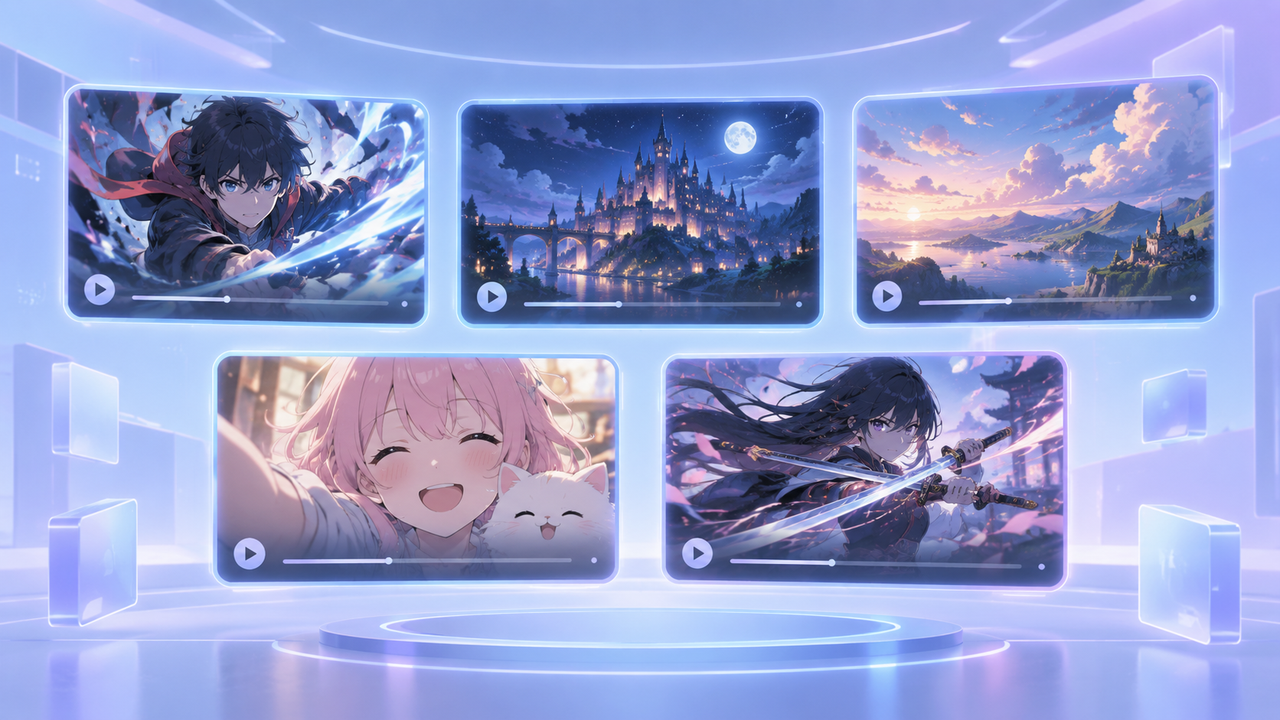
Best Free AI Text to Video Generator: Top Picks for 2026
 RoboNeo TeamSeptember 11, 2026
AI video tools have made it much easier to turn a written idea into a video concept you can actually review. A short prompt can become a social clip, product concept, storyboard shot, or cinematic scene without arranging a shoot first.
The best free AI text to video generator depends on what you want to make. Some tools are stronger for short generated shots, while others are better at turning scripts into complete videos. This guide compares the best free text-to-video AI generators for 2026, with a closer look at free access, watermarks, commercial use, and the limits that matter in real projects.
Why Use a Free AI Text-to-Video Generator?
Free plans are particularly useful when you are still testing an idea. They give you a way to see whether a concept works visually before spending money on production or a paid AI plan.
Faster Idea Testing
A written concept can move from notes to a rough video in minutes. That makes it easier to make AI videos for early advertising concepts, social posts, storyboards, and short narrative scenes.
A small coffee shop planning a fall campaign could generate several versions of the same scene: a close-up of a hot drink, a wider café shot, and a slow-moving product shot. Comparing those clips may reveal which direction feels strongest before anyone books a location or camera crew.
The same prompt can also be tested across multiple tools, making differences in composition, motion, and visual style easier to spot.
Original Visuals Without Filming
Generative video is not limited to footage that already exists in a stock library. Characters, environments, actions, and unusual combinations can be created directly from text.
A creator working on a fantasy-themed channel could produce a knight walking through a neon-lit city without costumes, actors, or a physical set. A startup could visualize an early product concept before a working prototype is ready.
Generated footage still needs review. Hands, facial details, object interactions, and changing backgrounds remain common limitations of AI video generation, especially when a scene involves complex movement.
More Ways to Create Video Content
Text-to-video also gives one idea several possible directions. A product description might become a realistic ad shot, an animated social clip, or a cinematic reveal depending on the prompt and model.
An AI video maker can also make it easier to move between different types of source material when a project grows beyond a single text prompt. This flexibility works well for short-form social content, product showcases, explainers, advertising concepts, and story scenes.
Best Free AI Text-to-Video Generators for 2026
Free access varies widely between platforms. Some provide recurring credits, while others offer only a small amount for initial testing.
| Generator | Best For | Video Type | Free Access | Output Quality | Commercial Use | Main Limitation |
| RoboNeo | Comparing multiple models | Generated clips | Limited free access may vary | Depends on selected model | Check model terms | Credit use differs by model |
| Runway | Creative control | Short generated videos | Limited one-time credits | High | Plan-dependent | Free outputs may include watermarks |
| Adobe Firefly | Brand projects | Generated video and b-roll | Limited free generations | High | Strong commercial focus | Free usage is limited |
| Pika | Short creative clips | Social and effect-driven clips | Recurring limited credits | Good | Check current plan | Short duration and feature limits |
| Canva | Social media videos | AI clips plus editing | Limited AI access | Good for social content | Asset-dependent | AI generation is not the main strength |
| InVideo AI | Script-to-video | Complete edited videos | Limited free usage | Good for structured videos | Plan-dependent | Less control over individual generated shots |
| Luma AI | Cinematic motion | Short generated scenes | Limited free testing | High | Check current terms | Free output restrictions |
RoboNeo — Best for Comparing Multiple Video Models
RoboNeo fits creators who want to test different AI video models without building a separate process around each one. A single text idea can be tried with different available model options, making it easier to compare motion, visual style, and overall interpretation.
That can be useful when the prompt itself is already settled. A creator producing a sneaker campaign might keep the same rooftop scene and compare how different models handle the product, camera movement, and lighting.
Before generating, check which models are currently available, how many credits each one consumes, supported duration, and export specifications. A credit balance alone does not tell you how many videos you can make because model costs may differ.
Compare AI Video Models with RoboNeo
Runway — Best for Creative Control
Runway is better suited to users who care about composition, movement, camera behavior, and visual treatment. Text can serve as the starting point, while additional generation and creative tools give users more room to refine the result.
Its free tier is most useful for learning the platform and testing a few ideas. Current free access uses limited one-time credits, and free exports may carry a watermark. Once those credits are gone, the free plan is not designed as an ongoing production solution.
For a filmmaker testing three visual approaches to an opening shot, that limitation may be acceptable. Someone producing clips every day will likely reach it quickly.
Adobe Firefly — Best for Brand and Commercial Projects
Adobe Firefly is a strong option for advertising concepts, branded visuals, b-roll, and projects already moving through Adobe software. Text and image inputs can be used to generate video, while camera angle and movement controls offer more direction over the shot.
Its free access is better viewed as a testing allowance than an unlimited production tier. Adobe also positions its own Firefly models around commercially safe workflows.
Third-party models available inside the broader Firefly environment may have different terms, so users should distinguish between the model provider and the platform itself. Uploaded logos, client images, and other assets must also be cleared for use.
Pika — Best for Short Creative Clips
Pika works particularly well for short clips built around noticeable visual transformations and playful effects. It supports text-to-video alongside tools for changing parts of a scene, combining visual elements, and creating stylized motion.
A fashion creator could turn a static concept into a five-second transformation clip for a Reel rather than trying to produce a long continuous scene.
Free credits make experimentation possible, though available models, resolution, and features are more limited than on paid plans. Credit costs should also be checked per generation instead of assuming every clip uses the same amount.
Canva — Best for Social Media Videos
Canva is less about producing the most advanced AI footage and more about turning generated material into a finished social post.
A generated clip can move directly into a design timeline where captions, music, graphics, logos, and platform-specific layouts are added. That makes it convenient for TikTok, Reels, and YouTube Shorts.
Some AI video features are available through free access, but usage and model availability are limited. Canva is strongest when editing and packaging matter as much as generation itself.
InVideo AI — Best for Turning Scripts into Videos
InVideo AI approaches the problem differently. Rather than focusing only on one cinematic generated shot, it can turn a longer topic or script into a structured video with scenes, narration, subtitles, and supporting media.
That makes it useful for YouTube explainers, faceless channels, marketing videos, and informational content. A 700-word script about personal finance could become a rough video sequence much faster than assembling every scene manually.
For this type of project, knowing how to write a video script with clear scene notes also makes the resulting video easier to review and refine.
The trade-off is control. Individual original shots may not offer the same precision as tools built primarily around generative video models. Free access also tends to include credit, branding, or export restrictions.
Luma AI — Best for Cinematic Motion
Luma is a good fit when movement and visual atmosphere matter more than building a complete edited video. Its current app and Ray model family can create short scenes with strong spatial movement and cinematic camera behavior.
A travel concept showing a camera drifting through a misty mountain village may benefit more from this type of motion-focused generation than from a template-based video maker.
Free access is mainly useful for initial tests. Watermarks, output options, generation limits, and commercial rights should be confirmed before using the results in published work.
What to Check in a Free Plan
The word "free" can describe very different offers. One platform may refresh credits every day, while another gives a small signup balance that never returns.
Before choosing a tool, check:
Whether credits are one-time, daily, or monthly
Credit cost by model, resolution, and video length
Download access, watermark rules, and export resolution
Commercial-use terms for both the platform and model
Privacy rules for uploaded people, products, and client assets
Failed or unusable generations may still consume credits. A plan that technically offers free video generation may therefore only provide enough capacity to test one or two ideas.
Tips for Better Text-to-Video Results

A Clear Subject and Action
Strong prompts usually identify the subject and main action early. "A woman opens a red umbrella on a rainy city street" gives the model a clearer visual task than "Create a dramatic rainy scene."
Extra story background is not always helpful. For a five-second shot, the model mainly needs to know what should appear, what should happen, and where the action takes place.
One Main Action per Clip
Short clips tend to hold together better when one major action carries the scene. A character entering a room, picking up a phone, turning toward the window, and running outside asks the model to maintain too many transitions at once.
Those actions can become separate shots and then be combined during editing. This approach also matters when free credits are limited because simpler scenes can reduce wasted generations.
Specific Camera Direction
Camera instructions work best when they are separate from the subject action. Terms including "close-up," "wide shot," "slow pan," and "tracking shot" give the model a clearer visual direction.
One short clip rarely needs three different camera moves. A fixed shot can also be the better choice when the subject action already creates enough movement.
Short Tests Before Final Renders
A low-cost test can reveal problems with composition, motion, or character consistency before more credits are spent on higher-quality output.
Keep the prompt and settings from each version. Running the same test prompt across two or three candidates also creates a fairer comparison than judging tools with completely different scenes.
The practical value of a free plan is ultimately the number of usable clips it produces, not the credit number displayed on the account page.
FAQ
Is there a completely free AI text-to-video generator?
Some platforms offer limited free generations, signup credits, or access to basic models. Most major tools restrict generation count, model access, resolution, or exports. Free access should not be assumed to mean unlimited use, no watermark, or commercial rights.
Which free AI video generator has no watermark?
Watermark policies vary by platform and can change when plans are updated. Some services may allow certain free downloads without a watermark, while others mark all free exports. Download rights, resolution, and commercial terms should be checked at the same time.
Can AI create a full video from text?
Yes, but the result depends on the type of tool. Script-to-video platforms can assemble scenes, narration, subtitles, and music from longer text. Generative text-to-video models are generally better at producing shorter individual shots that are later edited together.
Can I use a free AI-generated video commercially?
Commercial use depends on the platform, model provider, and account plan. Some free tiers restrict business use. Images, logos, music, fonts, people, and other uploaded assets also need appropriate rights before publication.
Do I need a powerful computer for text-to-video AI?
Usually not. Most online AI video generators handle processing in the cloud, so an everyday laptop can manage prompting, uploads, previews, and downloads. Powerful GPUs become much more important when running open-source video models locally.
You May Be Interested
How to Choose the Best AI Text to Video Generator in 2026 (+ Our Top Pick)
Text to Video Online: How to Convert Text Into Video
AI Video Generator Online: How to Create Videos Fast
Best AI Video Generator 2026: 6 Top Tools Compared

How to Create AI Video from Script: A Complete Guide
Best Free AI Video Generator: Top Tools to Try