
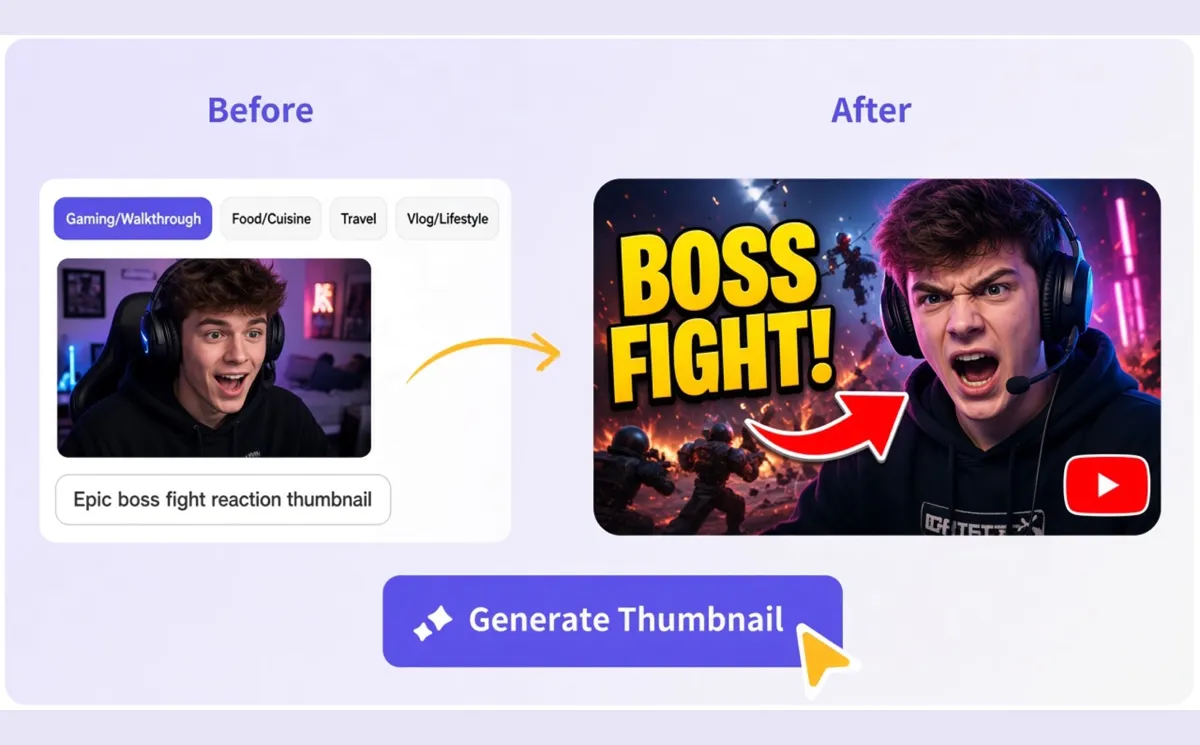
Match the Look of Your Niche, Not a Generic Template
Pick Gaming, Food, Travel, Vlog, Tech, Fashion, or Interview before you generate. RoboNeo’s AI thumbnail generator uses that video type so color, layout habits, and energy follow the niche instead of a one-size cover.
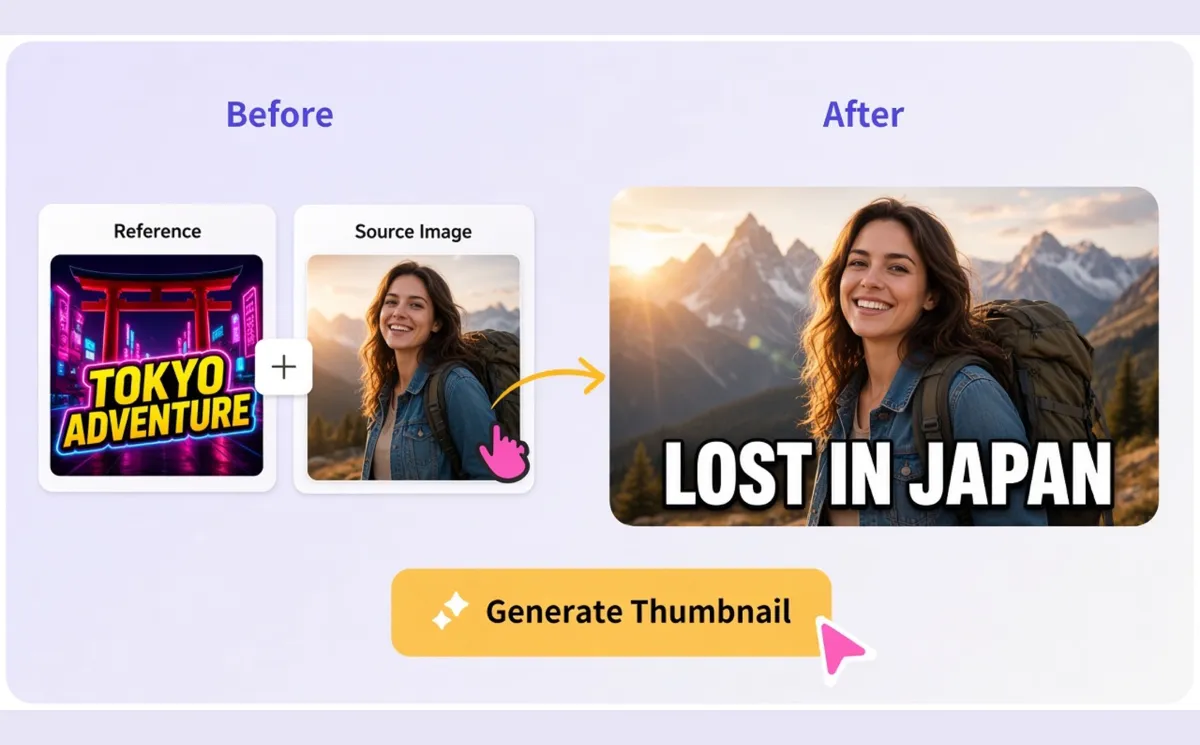
Keep Your Subject. Borrow the Style You Already Like.
Upload a Reference for layout and vibe, then a Source Image for the face or product you need to keep. The AI thumbnail maker builds around both, so you are not choosing between “looks like me” and “looks clickable.”
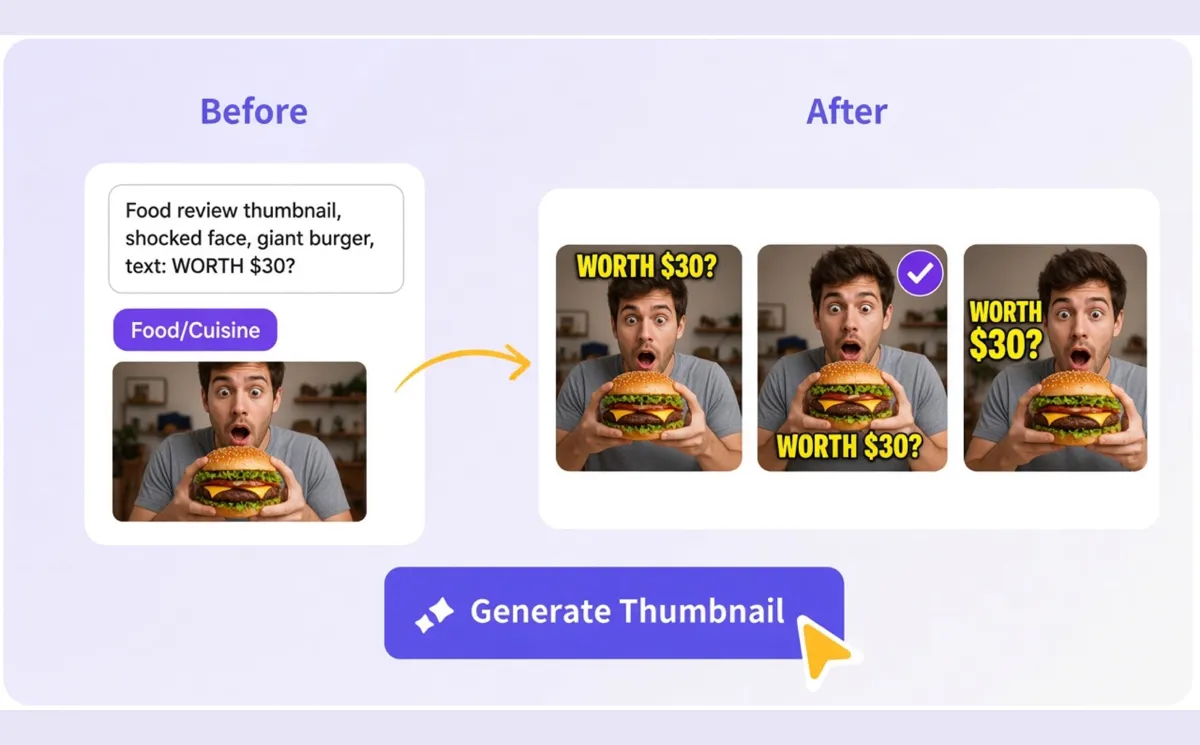
Write a Short Brief. Compare a Few Covers Before You Upload.
Describe the subject, reaction, and short on-image text, then generate. Use RoboNeo as an AI thumbnail designer when you want options to compare, not a single random frame dressed up as a cover.
How to Make a Thumbnail with RoboNeo AI Thumbnail Generator
Upload a Frame, Clip, or Sketch
Drop in stills, a short clip, or a rough sketch. If you are using the AI thumbnail maker from video, pick frames where the face, product, or action already reads at small sizes.
Choose the Video Type
Select the theme that matches your channel: gaming, vlog, food, travel, tech, and similar. This steers color, layout habits, and headline space before you generate.
Describe the Cover You Want
Write what should sit in the frame: subject, expression, text idea, and mood. Add a reference image if you already like a style. Treat it like briefing an AI thumbnail designer, not dumping a vague “make it pop” line.
Generate, Compare, and Export
Run a few options, keep the clearest face and title area, then export. If the crop or text feels off, tweak the prompt or swap the source frame and generate again.
Frequently Asked Questions About AI Thumbnail Maker
What is an AI thumbnail generator?
How does an AI thumbnail maker from video work?
Upload a clip or selected frames. The tool looks for clear faces, products, and action, then builds thumbnail layouts around those moments so you skip manual scrubbing and heavy retouching.
Can I use RoboNeo as an AI thumbnail designer?
Yes. Sketch the composition, add a reference, or write a short brief for subject, text, and mood. The output follows that direction instead of guessing a random template.
What inputs work best for an AI thumbnail maker?
Sharp faces, high contrast, and a subject that stays readable at small size. Soft, busy, or heavily cropped source frames usually need a second pass or a cleaner frame.
Can I create YouTube thumbnails with this AI thumbnail generator?
Yes. Pick a matching video type, generate a few covers, and check title space and face clarity before you upload the final file to YouTube.
Build Your Next Cover with an AI Thumbnail Generator
Start from a photo, sketch, or clip and shape a clearer cover in RoboNeo. Use the AI thumbnail maker to test layouts fast, then export the version that still reads when the grid is crowded.
What Creators Say About the AI Thumbnail Maker
I used to spend a full hour pulling frames and nudging layers in Photoshop. With RoboNeo I upload a few shots, pick the video type, and get covers that still look like my channel.
Most of my thumbnails start from the finished cut. The AI thumbnail maker from video finds usable moments fast, so I am not scrubbing the timeline for one usable expression.
I sketch the layout first when the idea is clear in my head. The AI thumbnail designer follows the composition closely enough that I can ship a draft the same afternoon.